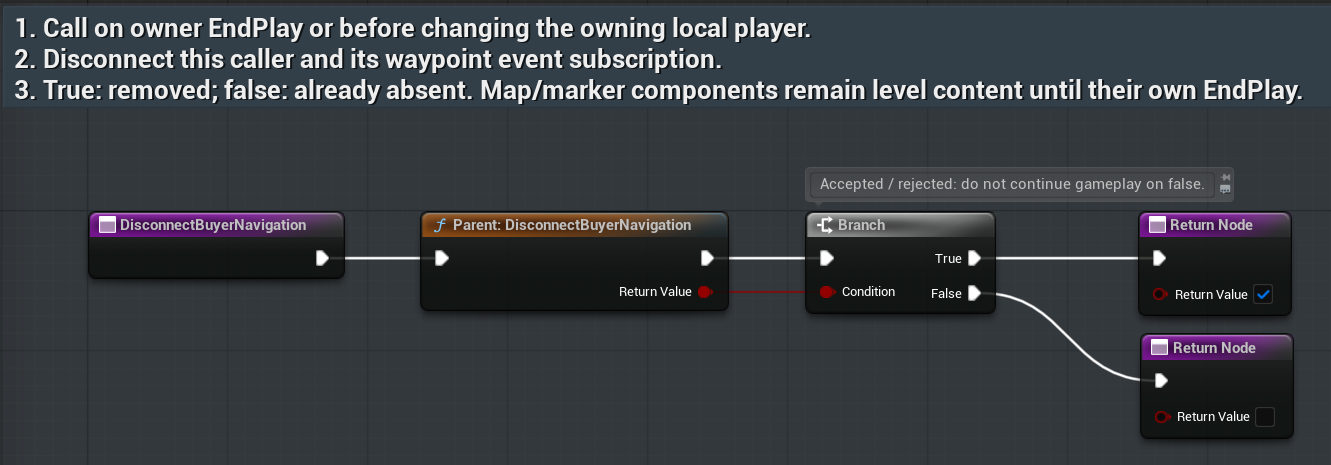
Route your existing cancel input
CancelBuyerNavigationAsset: /RPGMapsCompass/RPGMapsCompass/Examples/BP_RMC_BuyerRegion
Tab/function: CancelBuyerNavigation
- Call Cancel Buyer Navigation from your existing Escape or back input on the connected actor.
- True means the foremost navigation surface consumed the cancel. False means your game should continue routing its own cancel behavior.
- Do not clear waypoints or gameplay progress when dismissing a surface.
Expected result: Cancellation dismisses navigation UI and preserves gameplay and waypoint data.
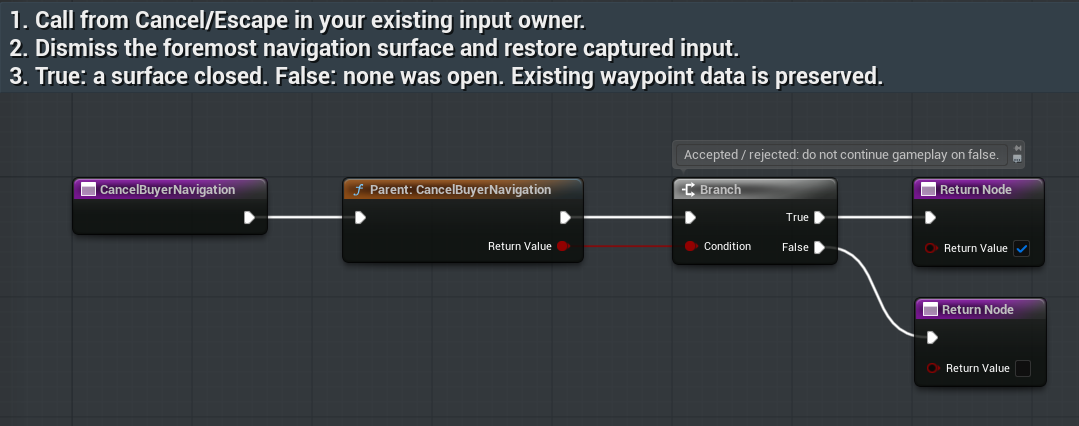
Release your caller
DisconnectBuyerNavigationAsset: /RPGMapsCompass/RPGMapsCompass/Examples/BP_RMC_BuyerRegion
Tab/function: DisconnectBuyerNavigation
- Call Disconnect Buyer Navigation before changing the owning player or removing your widget/actor reference.
- The example removes only its own observer and clears its connected reference. The actor also calls disconnect during EndPlay.
- Test a request while disconnected, then reconnect the correct owner. Show Failure on refused requests.
Expected result: Cleanup does not clear the plugin-owned waypoint collection. The native fixture verifies actual engine actor destruction and EndPlay reference cleanup.